Every day, we scroll through hundreds of videos short films, travel vlogs, social media reels, and creative stories. Watching them often sparks a simple thought: “I want to make something like this.” But when it comes to turning raw footage into a clean, polished video, many people feel stuck. Professional software feels complex, full of confusing buttons and hard to understand terms.
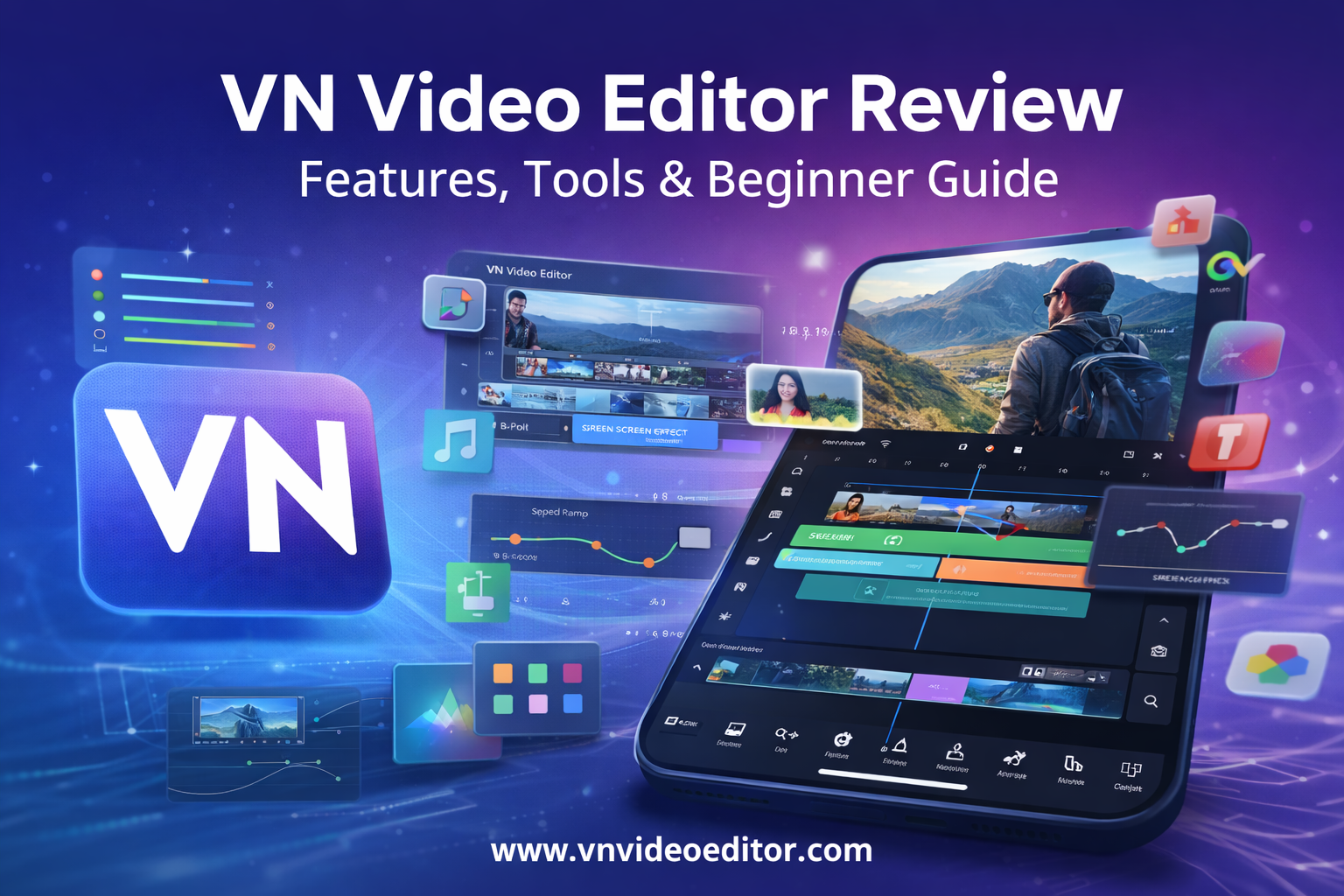
This is where VN Video Editor changes everything.
VN Video Editor brings powerful video editing tools straight to your phone. It removes the fear from editing and replaces it with confidence. Whether you are creating content for social media, working on a vlog, or just editing a family video, VN makes the entire process feel smooth, simple, and fun.
Often called a “pro editor for everyone,” VN has become a favorite among both beginners and experienced creators. Its clean design, strong features, and mobile-friendly workflow help anyone turn ideas into real videos—without needing a desktop computer or expensive software.
First Impressions: Clean, Simple, and Easy to Use
The first time you open VN, one thing becomes clear right away: it does not try to scare you with a complicated layout. The interface looks clean and friendly. You can see your projects, templates, and tutorials without feeling lost.
Starting a new project only takes one tap. From there, VN lets you choose videos and photos from your phone and place them directly into the timeline. This easy start is perfect for beginners because it removes all the stress that usually comes with learning video editing.
VN makes sure that you spend more time creating and less time figuring out how things work.
A Feature-Rich Toolkit That Feels Professional
Behind its simple design, VN hides a very powerful set of tools. These features give you full control over how your video looks, moves, and sounds.
1. Multi-Track Editing
With multi-track editing, you can stack video clips, images, text, and music on top of each other. This lets you create more exciting and layered videos. You can add B-roll, animated titles, or background music without any limits.
This feature alone makes VN feel like desktop editing software—but on your phone.
2. Precision Trimming and Cutting
Timing is everything in video editing. VN gives you full control with trim, cut, split, and merge tools. You can zoom into the timeline for small adjustments and move clips using drag-and-drop.
This makes editing feel smooth and natural. You can shape your story exactly how you want it, down to the smallest detail.
3. Speed Ramps and Keyframe Animation
Want to slow things down for dramatic effect? Or speed things up for energy? Speed ramps let you control playback speed at different parts of the clip.
With keyframe animation, you can move, resize, rotate, and fade elements smoothly. This brings text, images, and video layers to life and makes your content look more dynamic.
4. Chroma Key (Green Screen)
The chroma key feature lets you remove a specific color, usually green or blue, from a clip. This means you can place yourself in any background you want—city streets, space, or a beach.
It’s a powerful tool that opens the door to creative storytelling without expensive equipment.
5. Filters, Effects, and Adjustments
VN comes with many filters and effects that instantly change the look of your video. You can also manually adjust exposure, contrast, saturation, sharpness, and more.
These tools help you control the mood and style of every scene so your video looks exactly how you imagine it.
6. Text and Titles
With VN, adding titles, subtitles, captions, and annotations is easy. You can choose different fonts, colors, and animations. Using keyframes, you can even animate your text so it moves smoothly on screen.
This helps you tell your story clearly and keeps your viewers engaged.
7. Music and Sound Effects
Good audio makes a big difference. VN includes royalty-free music and sound effects, and you can also import your own files or record voiceovers.
You can control audio levels, detach audio from video, and mix everything for clean, balanced sound.
8. Templates and Tutorials
VN offers templates that let you create stylish videos quickly by replacing the media. It also includes tutorials that guide you through features step by step, helping you learn as you edit.
This makes VN great for beginners who want to grow their skills over time.
Smooth Workflow From Start to Finish
Editing in VN feels fast and natural. The timeline is responsive, the tools are easy to reach, and moving elements around feels effortless.
When you are done, VN lets you export your video in different resolution and frame rate settings. This makes it easy to share your video on Instagram, TikTok, YouTube, or anywhere else.
Who Should Use VN Video Editor?
VN works for many types of creators:
- Social Media Influencers creating reels and stories
- Vloggers making travel and daily videos
- Students and Educators building presentations and lessons
- Small Business Owners making product videos and ads
- Aspiring Filmmakers practicing editing and storytelling
- Everyday Users editing family memories and events
No matter your goal, VN gives you the tools to make your videos look professional.
The Future of Mobile Video Editing
VN Video Editor proves that you no longer need a studio or a high-end computer to create great videos. By putting advanced editing tools on your phone, VN allows anyone to become a storyteller.
If you have ever wanted to create eye-catching videos but felt overwhelmed by editing, VN Video Editor is your starting point. Download it, open a new project, and start creating.
You might be surprised how powerful your ideas can become one tap at a time. 🎬